
Mills County Warrant Searches
Mills County publishes no single public warrant index, so a warrant search here runs through the courts. Start with the court tied to the case. For Class C or traffic tickets, that means Justice Court or the city court named on the citation. County criminal files sit with County Court and the County Clerk, while district cases belong to the 35th District Court and its District Clerk. If you lack a cause number, the county portal can help you find the underlying case. Work through the courts in that order for a personal warrant check, and let the clerk confirm anything a screen shows.
- Write down any citation, cause number, court name, and notice date.
- Search the county case portal with the least sensitive identifier that can locate the file.
- Call the likely issuing court and ask for the current instrument and status date.
- Use the sheriff’s main office for routing, not as a promised warrant search.
- File a narrow PIA request for a record copy, if the online sources do not show it.
Mills County Warrant Search Starts at Court
Which office answers your Mills County warrant question depends on which court holds the case. A search engine or a paid data product cannot tell you that. The 35th District Court sits in Brownwood, while the Goldthwaite courthouse houses the County Clerk, the District Clerk, and the Justice Court contacts. Got a ticket written inside city limits? That case may belong to municipal court instead. The court name on the docket is your best clue, so read it before anything else.
Still unsure? The Mills County contact page maps each office phone, and the sheriff's main line can route general public-safety questions, though no separate warrant line exists. Ask the clerk which office holds the file before you share sensitive details. The Mills County District Clerk page also links the Texas court-record search route.
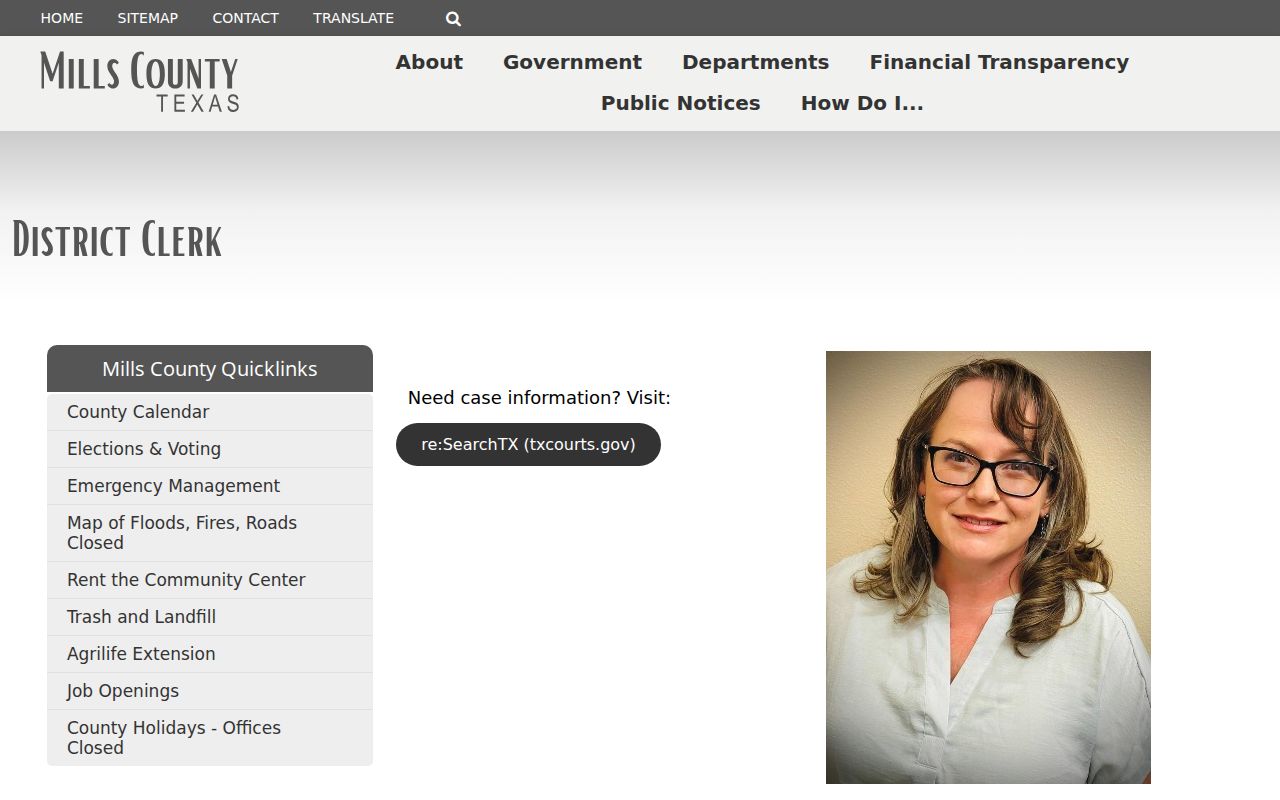
That page identifies district-record access and contacts. Confirm whether a specific case belongs there.
What a Warrant Search Asks For
Mills County runs its lookup through the Tyler/Municipal Online Services interface, which searches court and citation data across several fields. No warrant-type filter appears on the landing page. And search labels alone are no promise that the database spans every court or every active process.
| Visible Field | Input | What to Keep in Mind |
|---|---|---|
| Case/cause | Number | Best when a notice already names the case. |
| Name | First and last name, date of birth | Check the match with the court; similar names may occur. |
| Driver license | Number, state, date of birth | Use only in the official portal; do not post these values. |
| SSN | Number and date of birth | Sensitive. Avoid sending it through a general message form. |
| Vehicle/business | Plate and state, or business name | These options locate records, not personal warrant status. |
Mills County Tyler Search Fields
The portal offers several routes into a file. A case or cause number is the most direct. The name route wants first name, last name, and date of birth, while the license route pairs a driver-license number with a state and birth date. Vehicle searches ask for a plate and state plus a second input whose label is unclear. A business-name field sits there too.
Sign-in and registration controls appear alongside an identity-service notice, and no public sample result is on display. A matched case may not show warrant number, bond, recall date, or service status, so do not assume those fields. The county case and citation portal searches underlying records, nothing more. For statewide case access, the District Clerk links the re:SearchTX landing page. It is not one statewide warrant database.
Mills County Warrant Search Results
A returned case in Mills County may carry a cause number, the court, a charge or citation, settings, judgment, or payment details. The exact fields depend on the court and the record released. What you will not find here is a public sample warrant.
| Case number | Not publicly sampled Ask the clerk for the identifier. |
|---|---|
| Instrument | Confirm whether the court means arrest warrant, FTA process, capias, or capias pro fine. |
| Issuing court | Names the judge or court that controls next steps. |
| Dates | Ask for issue, return, service, or recall dates that apply. |
| Bond | No local public bond schedule was located. |
Write down the court name and any instructions that come with a Mills County result.
Why Mills County Warrant Searches Miss
Why does a Mills County warrant search come back empty? It could be the wrong court, a spelling or identifier mismatch, an older or restricted case, or a coverage gap. A search can also find a case yet hide its law-enforcement process. None of that means no warrant exists.
The Sheriff's Most Wanted page is a curated notice, not a full list. It claims no completeness, shows no update schedule, and carries no warrant number field. Only the issuing court can give current status. The Texas Attorney General's PIA overview notes that law allows some records to be withheld.
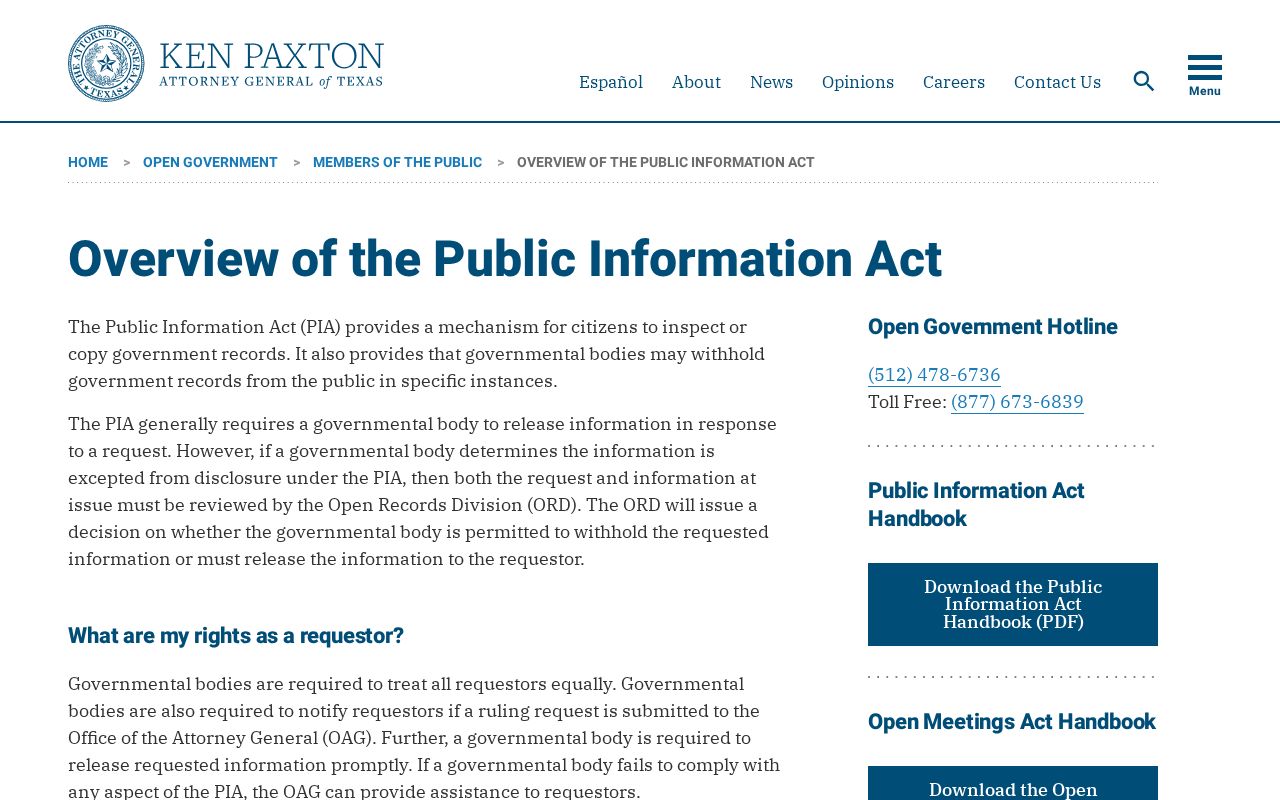
Public records requests in Mills County follow state access rules, though exceptions and case details can still apply.
Mills County Warrants: Who Holds What
Narrow the question by court layer. Justice Court handles county citations and many fine-only matters by phone. County Court keeps its own criminal files, so confirm the right clerk. The District Clerk holds district pleadings and papers, municipal questions start with the city court that issued the citation, and the sheriff can route custody questions but never replaces the issuing court. Texas posts no public statewide warrant search either. DPS OmniBase covers a reported failure-to-appear or failure-to-pay hold on license renewal, not arrest-warrant status. Federal cases belong to the Northern District of Texas, San Angelo Division, not a Mills County portal. The county's official public-information instructions explain how to request a defined county record.
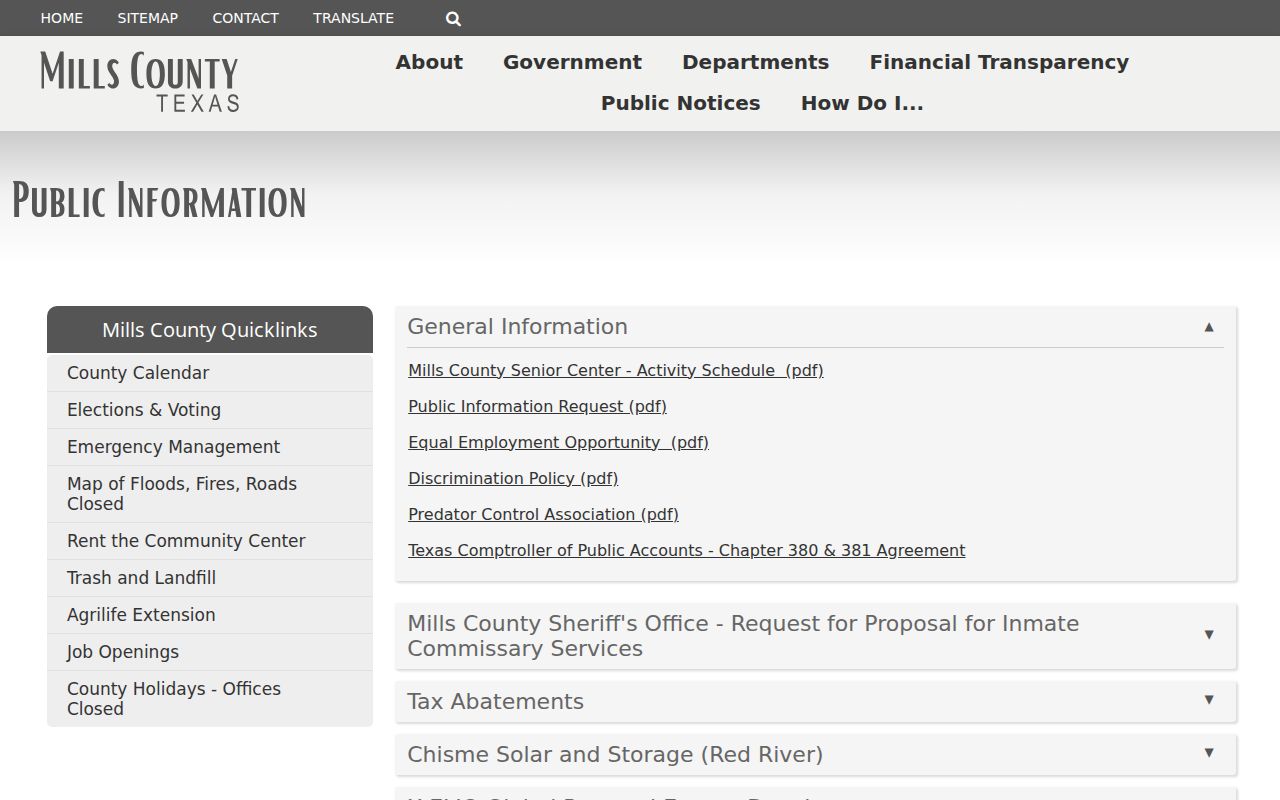
The Mills County request page offers a form for a defined record, not a warrant clearance request.
Mills County Warrant Records and PIA Requests
The District Clerk links to re:SearchTX, a court-record portal. That link is a records tool, not a Mills County warrant search. Its coverage and account requirements are spelled out at the live portal, so check there before relying on it. A Texas Public Information Act request works differently. You ask a government office for a specific releasable record. The county and sheriff forms want a description, dates, and how you want delivery, but they offer no warrant-specific checkbox and promise no response time. Keep the request tight. Name the office or court, the record type, any cause number you know, and a narrow date range. Juvenile material and records tied to active investigations can be withheld, and the office itself decides what it releases and whether it needs you to clarify anything.
Which Warrants Stay Restricted
Texas public records law opens many government records, but it carves out exceptions. Juvenile warrant files face separate limits, and an active investigation can block release. In Mills County, a warrant missing from a public page tells you little about sealed or unserved process.
Access limits:
Government Code Chapter 552 sets the state public-information framework and exceptions.
Family Code Chapter 58 limits disclosure of juvenile records.
Code of Criminal Procedure Chapter 15 sets arrest-warrant rules.
Mills County Warrant Data Privacy
A relative can help track down the right office in Mills County. They should not pose as the person, though. Nor should anyone send a full birth date or Social Security number through a general message form, unless the agency requests it through a secure channel. Mills County sets no countywide third-party authorization rule, so ask the court directly what it may share and whether the person or counsel must call. When you get staff on the phone, write down the instructions, the date of the call, the case number, and any written confirmation they send. Ask if an unclear result is a case entry, an FTA report, or a court-issued warrant. That one question matters. A small, careful warrant check can spare you a mistaken conclusion.